![Picup Media_Logo_on White_RGB.png]](https://support.picupmedia.com/hs-fs/hubfs/Picup%20Media_Logo_on%20White_RGB.png?height=40&name=Picup%20Media_Logo_on%20White_RGB.png)
There are now 4 different ways to filter your images.
Product Type Selection
You are able to filter your images by the product type that are available in the filter dropdown menu. 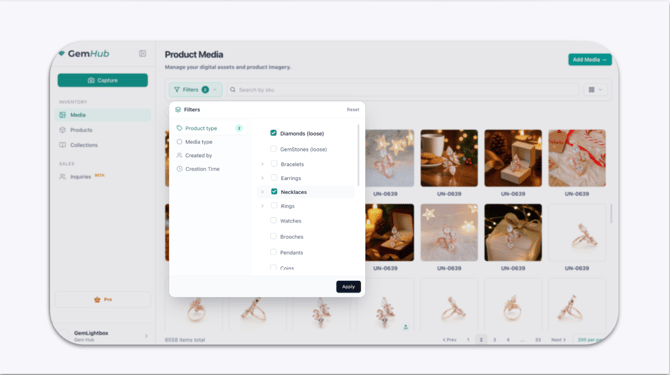
You are also able to select more than one criteria in this filter to customized what is to be shown here.
Media Type Selection
Filtering by media type allows users to quickly sort raw images from videos and AI generated images.
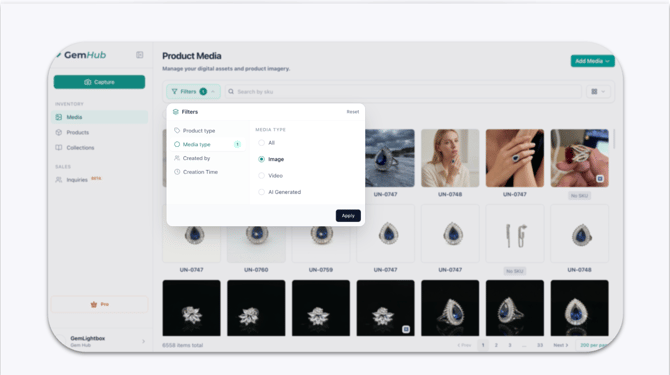
This flexibility lets you choose the most suitable format for your needs.
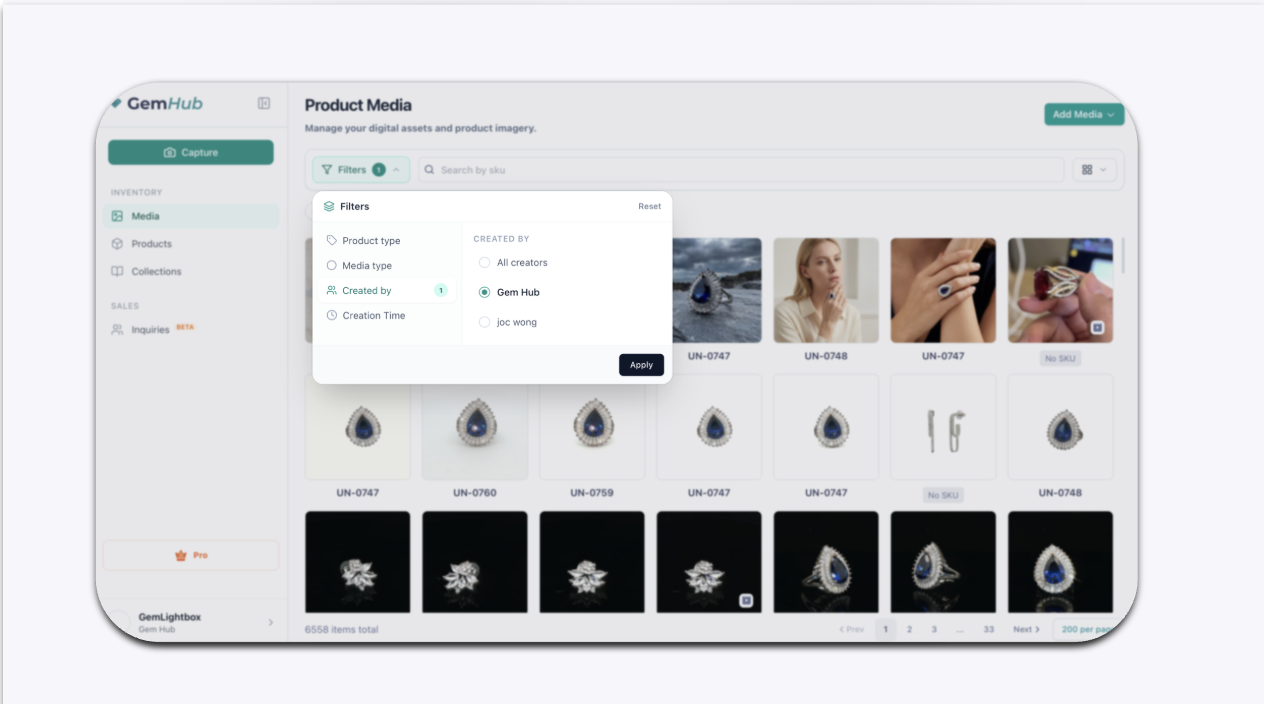
Created By Selection
This option allows you to be able to filter out images by the shared users within your GemHub.
Creation Time Selection
There is also an intuitive calendar interface has been introduced.
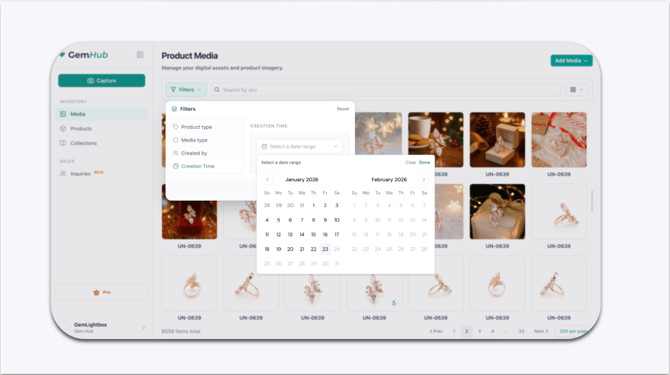
This allows users to effortlessly select a start and end date to filter and view media uploaded within a specific time range.
Once the dates are selected, the media will display only the images and videos added during that period, enabling a more focused and personalized browsing experience.